
Teacher Site
Operation Montserrat
Teacher Site
Mission Day
Introduction
On Mission Day, the students should be prepared with solid background information about the overall mission. They will have had specific training in their particular team assignment, or “area of expertise.” Prior to the official start of the mission, the Flight Director will review communication protocols with the Communications Team. This will help facilitate a smooth exchange of information, both verbally and via the chat window. Once the mission begins, the Flight Director at Mission Control will provide the students with a brief overview and introduction to their tasks. They will be introduced to the crew prior to liftoff, and then the mission will get under way.
General Story Line
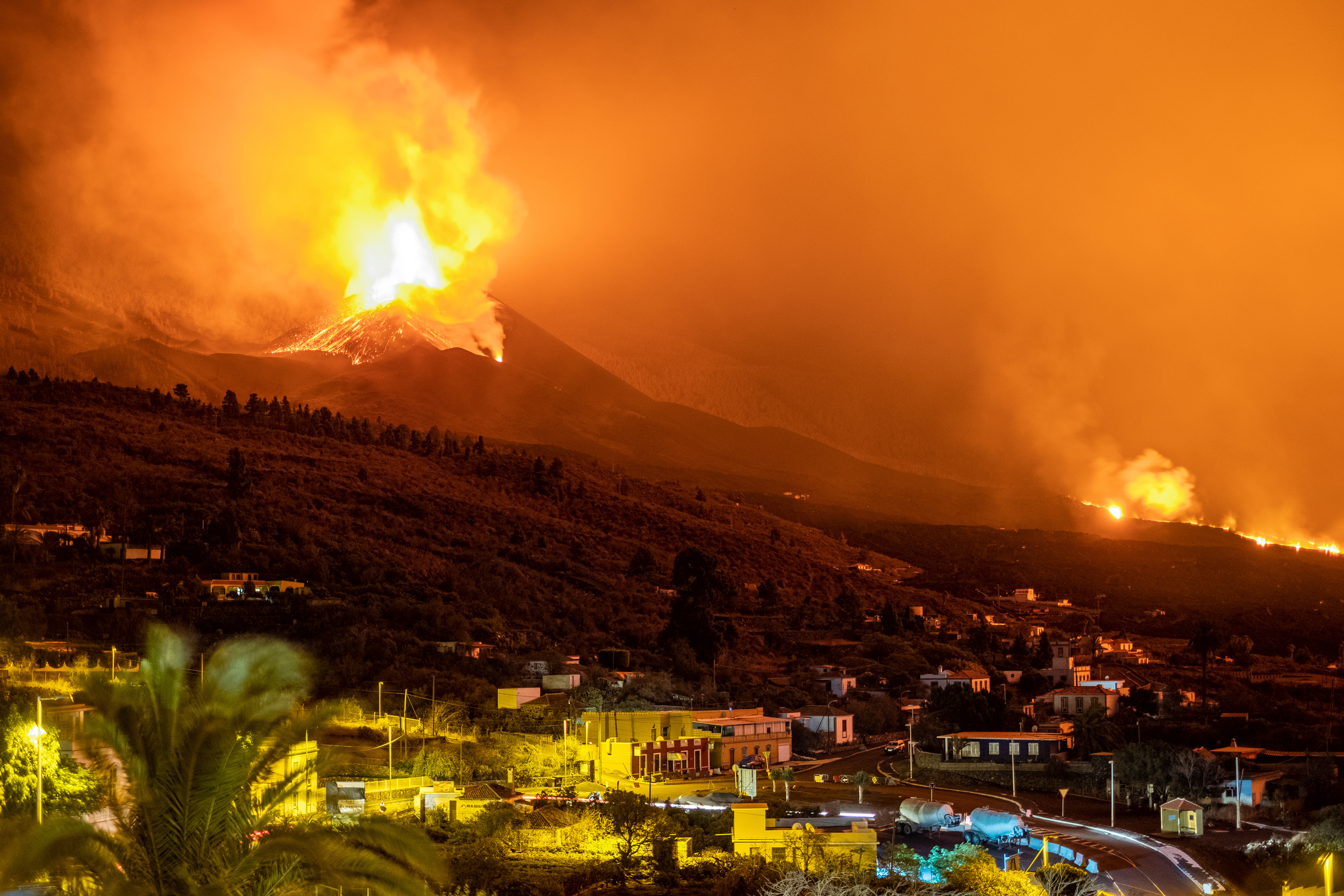
On mission day, students watch as the space shuttle lifts off and astronauts repair a satellite. The satellite immediately begins broadcasting data about volcanic activity on Montserrat in the Caribbean. Twelve thousand residents await the ERTs' scientific analysis of the situation. The tension grows when it appears that a hurricane is on course for the Island. In a two-hour period student volcano teams and hurricane teams rally to analyze the data and determine the risks to the people of the Island. Throughout the mission, Mission Control is in live contact with your students - see, hear, and "chat."
Computers
During the mission students will log on using the URL below to connect to mission control. They will be given a log in code at the start of the mission. Please have this URL cleared for use before your scheduled mission.
https://e-missions.clcwheeling.org/missions/run/operation-montserrat
Data Team: 1 Computer
Evacuation Team: 1 Computer
Hurricane Team: 1 Computer
Volcano RF:1 Computer
Volcano VT:1 Computer
Students will click on the icon for their team roles (please see below)
